

How can we help?
Guides, walkthroughs and answers for building, editing and publishing your site with Webmarlin, from your first page to domains, billing and AI.
Browse by topic
Getting started
- Getting started
- Finding your way around
- Real-world walkthroughs
Editing
Site & domains
- Site settings
- Domains
- SEO and search
- Forms and submissions
- Collections
- Bookings
- Shop
- Plugins and custom code
Billing & account
- Plans and billing
- AI credits
- Team and sharing
- Account and security
- Notifications and emails
AI
Troubleshooting & FAQ
Popular articles
Popular walkthroughs
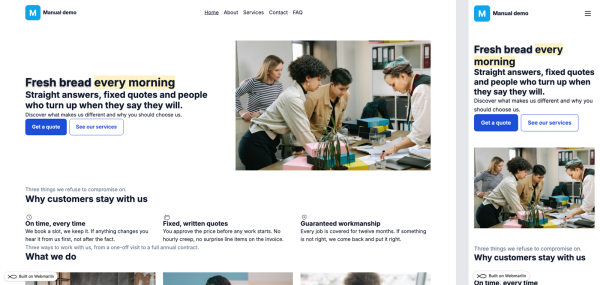
Launch a bakery site
Read the walkthroughA live site with your own words, logo and contact details, in about 30 minutes.
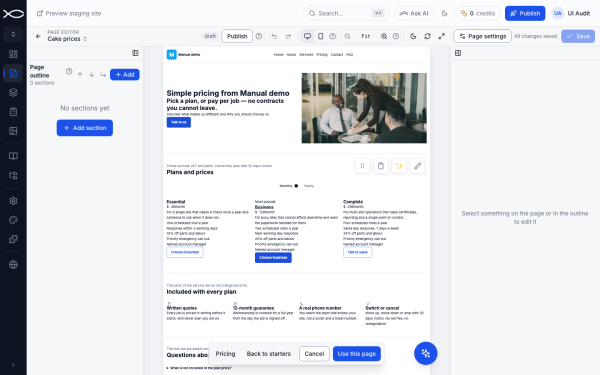
Add a pricing page from a starter
Read the walkthroughA "Cake prices" page with three sizes, what is included and ordering questions.

Move a page, keep old links
Read the walkthroughRename /about to /our-story without breaking links on Instagram, Google or printed flyers.
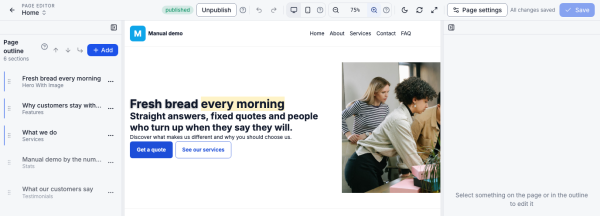
Restyle a headline
Read the walkthroughMake "every morning" stand out in the hero headline, by hand or with AI.
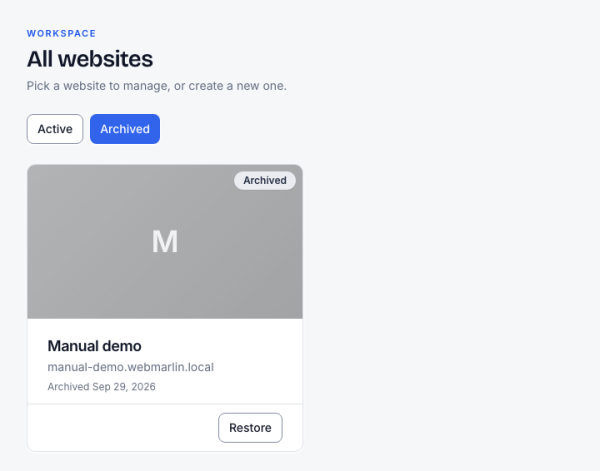
Archive an old site
Read the walkthroughTake last year's pop-up shop site offline without losing it.
Welcome
Webmarlin lets you build, edit and publish a professional website from one console, with an AI helper at every step. This manual walks you from your first site to everyday editing, with real examples and screenshots.
Who it is for: business owners, marketers and agencies who run a Webmarlin site. No coding is needed; a few advanced tips mention CSS.
How to read it: chapters follow the order you meet things in the console. The walkthroughs near the end show complete tasks from start to finish.
Key terms
| Term | What it means |
|---|---|
| Website | One site you own, with its own address, template and settings |
| Page | One address on your site, such as Home or Pricing |
| Section (component) | A building block on a page: a hero, a pricing table, a gallery |
| Partial | A block shared by many pages, such as the footer or pre-header |
| Template | The overall design of your site; you can switch it without losing content |
| Draft | Your unpublished edits, saved automatically as you work |
| Published | What visitors see; changes go live when you press Publish |
| Starter | A ready-made page (About, Services, FAQ…) you can add in one click |
| Collection | A reusable list, such as packages or team members, that you can show on any page |
| Booking | An appointment, table, class or day a customer books on your site |